

Most operators assume switching to contactless parking means a project: permits, contractors, weeks of downtime. For a QR-based setup, it isn't. The work is configuration, not construction. You decide your rates, set up the lot in software, put up signs, and test the guest flow. For most hotels, that's a morning, not a month.
Here is the sequence, start to finish.
Step 1: Map your zones and rates
Start by deciding what you are charging for and where. List your areas (self-park, valet staging, EV spots, permit-only zones) and set a rate for each, including any guest, validation, or overnight pricing. Clear rate logic now prevents confusion at the entrance later.
Step 2: Create the lot in software
Set up the property in your parking platform: define the zones, enter the rates, and configure who counts as a guest, a permit holder, or a transient visitor. This is where the rules that used to live in a gate now live in a dashboard.
Step 3: Place clear signage
Contactless parking depends on guests finding the QR code without thinking about it. Place signage at the three moments that matter: arrival (so they know what to do), the space itself (so paying is obvious), and departure (so leaving is frictionless). Good placement is what makes the experience feel effortless.
Step 4: Connect payouts and processing
Link your payment processor and bank account so funds flow correctly. Confirm how card processing fees are handled and how often you are paid out. With OpenSpot, payouts reach the operator's bank account weekly, and there is no monthly platform fee for QR.
Step 5: Add license plate recognition if you need it
If you have repeat guests, monthly permit holders, or want fully gateless entry and exit, add LPR cameras so regulars are matched automatically and never touch a kiosk. Many hotels run QR and LPR together: LPR for the regulars, QR for everyone else.
Step 6: Test the guest flow, then go live
Before launch, walk the entire path as a guest would: scan the code, pay, and confirm the session appears in your dashboard. Check it on both an iPhone and an Android phone, and at night. Once the flow is clean, you are ready to go live, which with a QR setup can happen the same day.
What good looks like
The goal is parking the guest never has to think about: they arrive and stop, pay in seconds on the phone in their hand or are recognized automatically, and leave without a scramble at the exit. Done right, contactless parking is invisible, and invisible is the highest compliment a parking system can earn.
Frequently asked questions
OpenSpot is a free QR and LPR parking platform for US operators.
Follow on LinkedInKeep reading

NYC Parking Software: The Complete Guide for Garage and Lot Operators
New York parks differently from every other city. Attendant operations, DCWP rate filing, digital claim checks, compliant signage, and the Manhattan Resident Parking Tax Exemption. Here is everything NYC operators need to know.
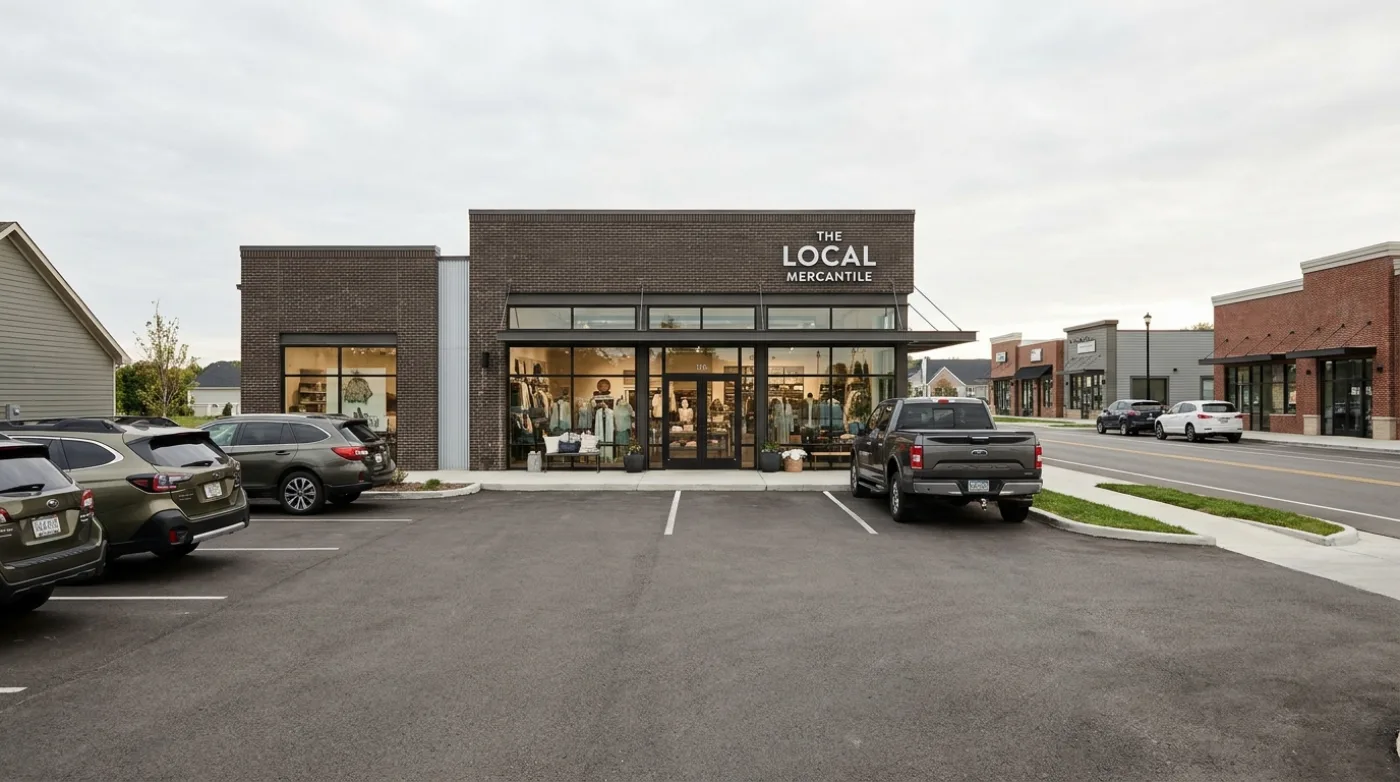
How a 10-Space Lot Makes $1,500/Month With No Booth, No Gate, No Staff
A 10-space lot in a weekend town can clear $1,500/month or more. here's the math, and why the lots that look too small to bother with are often the ones leaving the most money on the pavement.
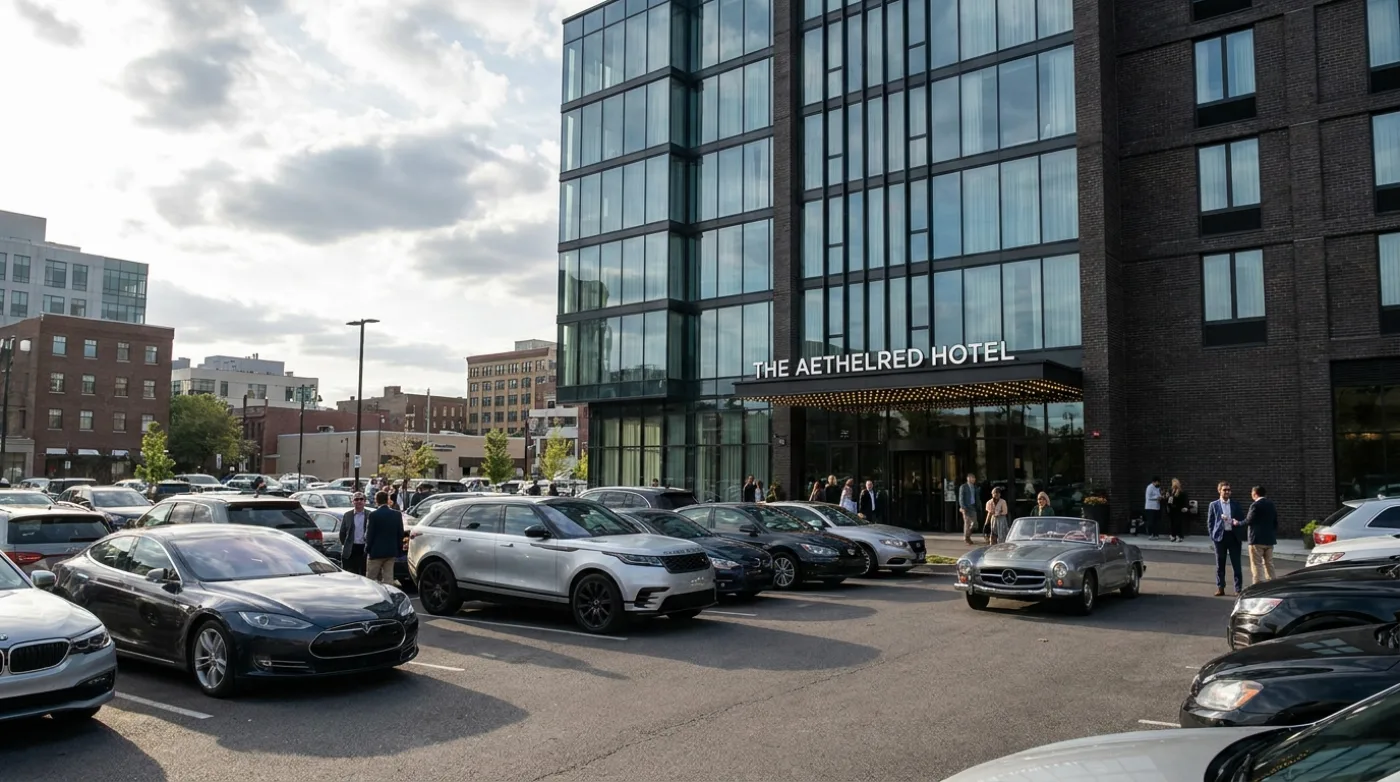
The Real Cost of Parking Software: Why OpenSpot Charges $0 in SaaS Fees
The price on a parking software contract is almost never the price you pay. Here is every line item legacy platforms don't quote you up front, and how OpenSpot compares.